

BrainTox
Mobile app
BrainTox
BrainTox is a free offline expense tracker for Android with sarcastic spending commentary. Track expenses, income, subscriptions. No account, no cloud, no ads, no analytics. Download on Google Play.
AppAndroidAvailable

v1.0.3+9
Local-first notes
Capture. Find. Export.
Fast drafts
Write without setup
Organized library
Categories and search
Portable files
Export when needed
Crystal Notes helps you capture thoughts quickly, keep them organized, find what matters in seconds and move your data out in practical formats.
For everyday notes
Crystal Notes is built for the moments when you need to capture, shape, find and export information without being pulled into a heavy ecosystem.
Local-first notes
Capture. Find. Export.
Fast drafts
Write without setup
Organized library
Categories and search
Portable files
Export when needed
1.0.3+9
current version
Android
release platform
5+
export formats
Local
notes posture
Capabilities
The focus is not on adding screens for the sake of it, but on making notes fast to create, easy to read and easy to return to.
Open, write, return to what you were doing. Notes stay lightweight when you just need to save a thought.
Categories, pinning, sorting, trash recovery and search keep your notebook from becoming a pile of loose text.
Headings, lists, checklists, quotes, code, links and dividers make notes useful beyond a single sentence.
TXT, Markdown, CSV, PDF, Excel and JSON backups are user-initiated when you need to move, archive or inspect your data.
Workflow
The product page should show the user journey, not just a bare list of features.
01
Create a quick note, task list or larger draft without a heavy setup step.
02
Add a category, pin what matters, sort entries or recover accidentally deleted notes from trash.
03
Search helps you return to the right thought without remembering where you wrote it.
04
Export notes or create a JSON backup when you need to move or preserve data outside the app.
The current release is available for Android through Google Play.
For Crystal Notes, the privacy policy and terms of service live on one page, so the route is simply named legal.
Public support, privacy and terms requests for this product use this branded company mailbox.
[email protected]Notes are stored locally on the device. Diagnostics are used for technical stability, with note-related fields scrubbed before events are sent.
Gallery
See what the app actually looks like.
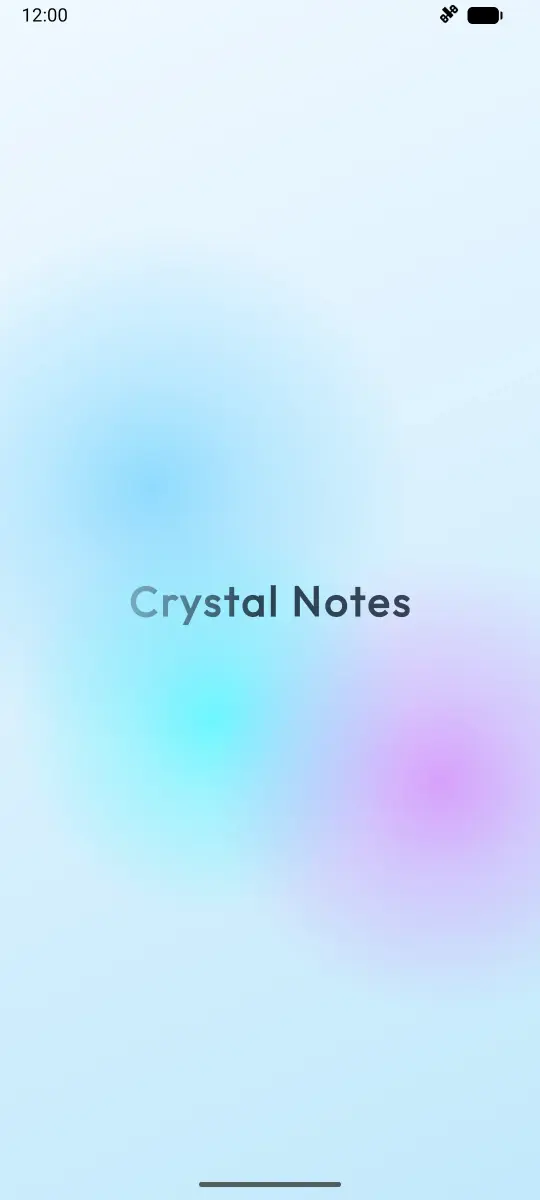
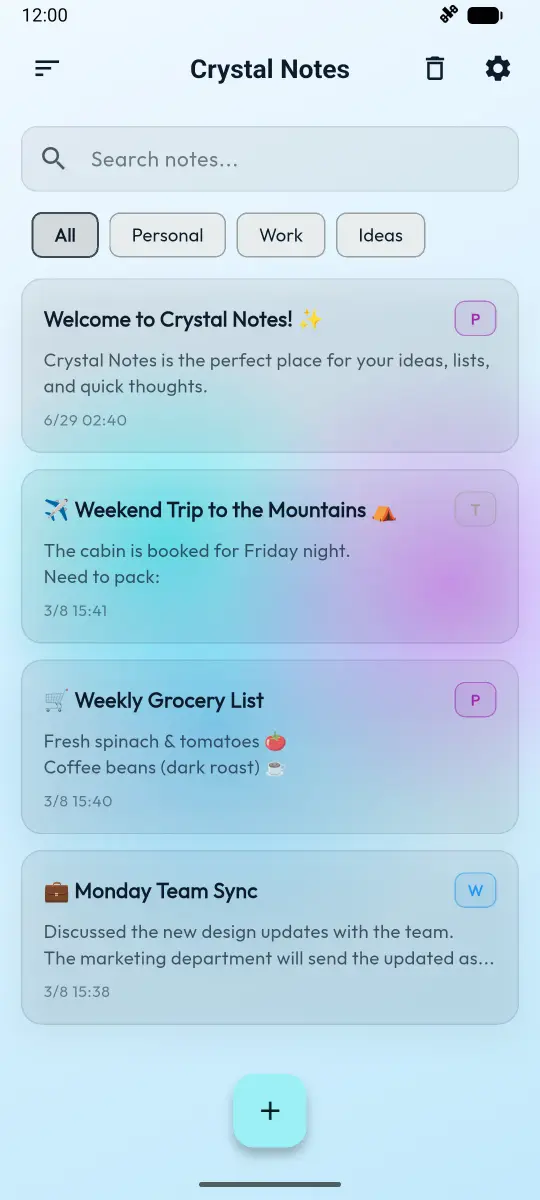
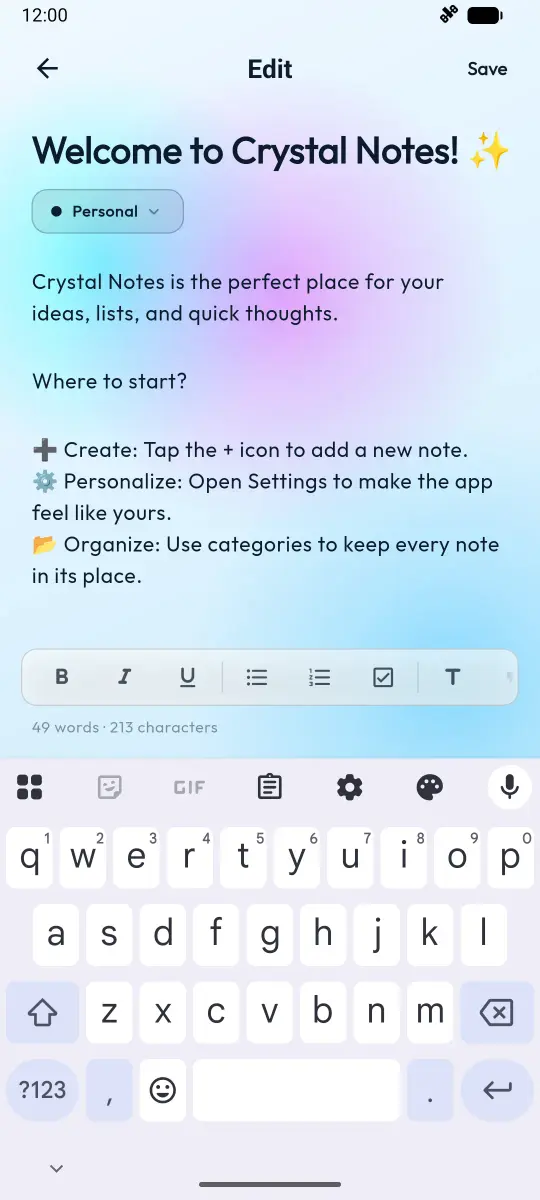
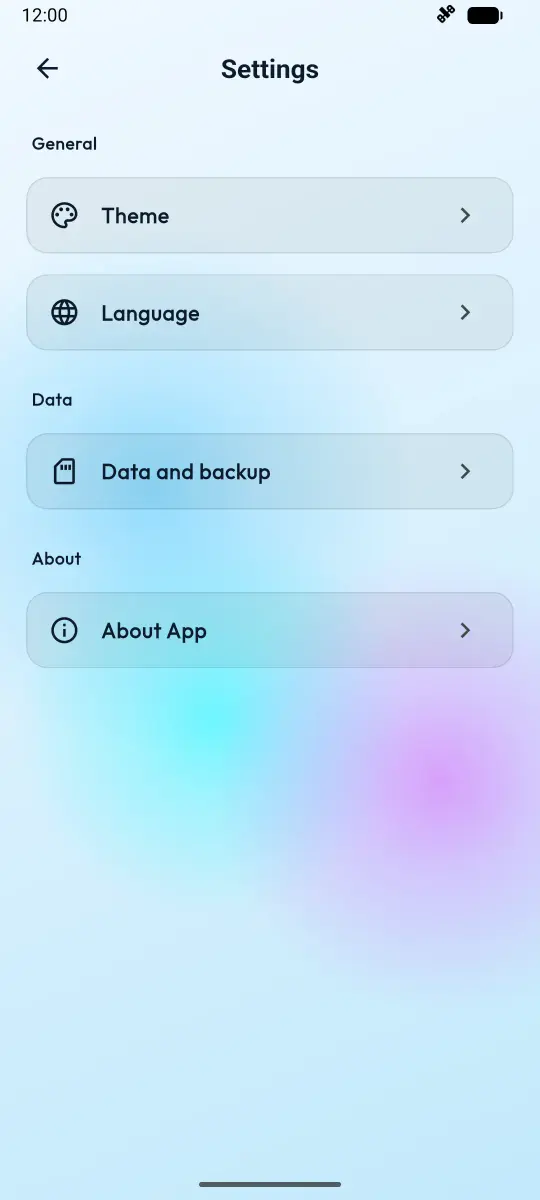


Crystal Notes is built for the small but constant work of everyday thinking: quick ideas, personal lists, drafts, links, reminders, snippets and notes you want to find again later. The app keeps the core workflow simple, so writing and organizing stays faster than managing the tool itself.
Crystal Notes supports headings, lists, quotes, code blocks, links, dividers and checklists. That makes it useful for more than one-line reminders: you can outline an idea, prepare a small plan, collect research notes or keep a reusable checklist.
Export is part of the product, not an afterthought. Crystal Notes can export notes to TXT, Markdown, CSV, PDF and Excel, and it includes JSON backup and restore tools initiated by the user.
Notes are stored locally on the device by default. There is no cloud sync and no account required. The current release uses Sentry only for crash reporting and diagnostics, with note-related fields scrubbed before diagnostic events are sent. No advertising SDKs, no in-app purchases.
Is Crystal Notes free? Yes, Crystal Notes is completely free on Google Play with no ads and no in-app purchases.
Do I need an account to use Crystal Notes? No. Crystal Notes works entirely without an account, no login, and no cloud sync required.
Can I export my notes? Yes. Crystal Notes supports export to TXT, Markdown, CSV, PDF, and Excel formats, plus full JSON backup and restore.
Is my data sent to any servers? Notes are stored locally on your device. The app uses Sentry only for crash reporting, with note-related fields scrubbed before events are sent. No advertising or analytics SDKs.
What Android version is required? Crystal Notes runs on Android 7.0 (API 24) and above.
Can I recover deleted notes? Yes. Deleted notes go to trash with a 30-day auto-purge window and can be recovered.
Does Crystal Notes support dark mode? Yes. Crystal Notes includes light, dark, and additional color themes.
What formats can I export to? You can export individual notes to TXT, Markdown, CSV, PDF, and Excel, and create full JSON backups of all your data.
How many languages does the app support? Crystal Notes ships with 14 interface languages: English, Ukrainian, Arabic, German, Spanish, French, Italian, Japanese, Korean, Dutch, Polish, Portuguese, Brazilian Portuguese, and Turkish.
Version 1.0.3+9 is available on Android through Google Play.
Other catalog slots show how one structure scales across product types.
BrainTox
Mobile app
BrainTox is a free offline expense tracker for Android with sarcastic spending commentary. Track expenses, income, subscriptions. No account, no cloud, no ads, no analytics. Download on Google Play.
An unannounced indie game currently in development for Android devices.